SVG to MSDF Converter
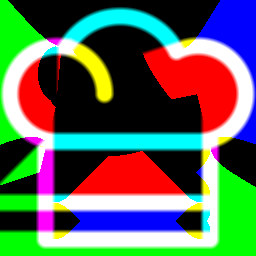
A Python tool to simplify the conversion of SVGs to MSDFs, reducing texture memory overhead while keeping UI masks and icons sharp at any resolution.
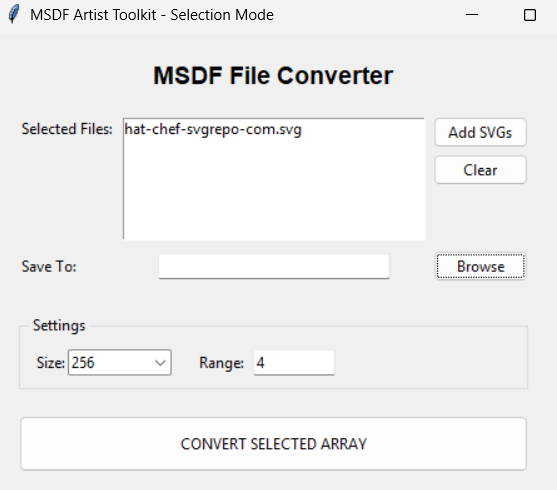
Editor Tool
Motivation
I wanted to use MSDFs in-engine to reduce texture sizes on UI elements. This reduces memory overhead whilst keeping masks and icons sharp and readable — particularly important in VR where HUDs can sit very close to the camera.
Settings & Controls
The tool gives the user control over two key parameters:
- Output Resolution: Choose the target texture size for the generated MSDF.
- Gradient Range: Controls the falloff width of the SDF, tuning how soft or sharp the edges appear.
VR Use Case
Textures can go as low as 128×128 and still maintain sharpness on less complex UI elements. This is very useful for VR where our HUDs may sit very close to the camera.
In-Engine Shader
MSDF Decode Shader
Alongside the Python tool, I wrote a companion material in Unreal to correctly read and decode the MSDF texture at runtime. Because an MSDF stores distance information across the R, G, and B channels separately, a standard texture sampler would produce an incorrect result — the channels must be combined to reconstruct the true distance field before thresholding.
The shader takes the median of the three channels, applies a smooth step around the 0.5 threshold, and outputs a clean alpha mask. This produces crisp, anti-aliased edges entirely in the material, regardless of how small the source texture is.
Input vs Output
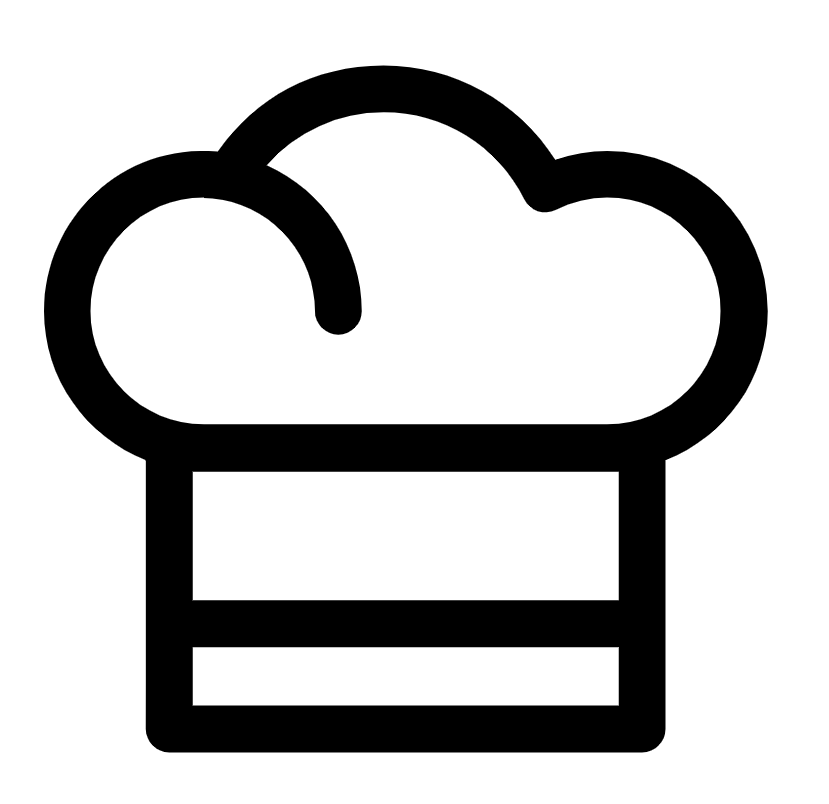
Original SVG Vector
Converted MSDF Output